The Same PHP Web Shell Appeared Across 47 Domains—Here’s How to Hunt It
The request looked harmless: GET /agent_renew.php. No parameters. No password guess. No command. The server answered with a short JSON error in Turkish: {"status":"error","message":"Yetkisiz"} — “unauthorized.”
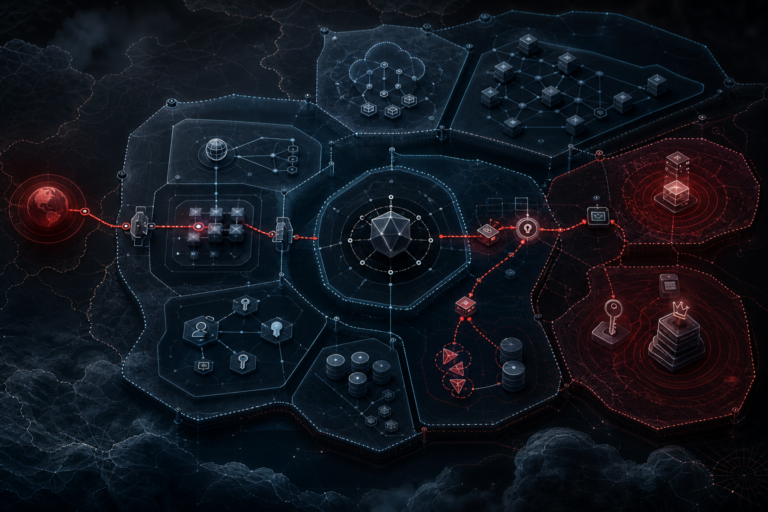
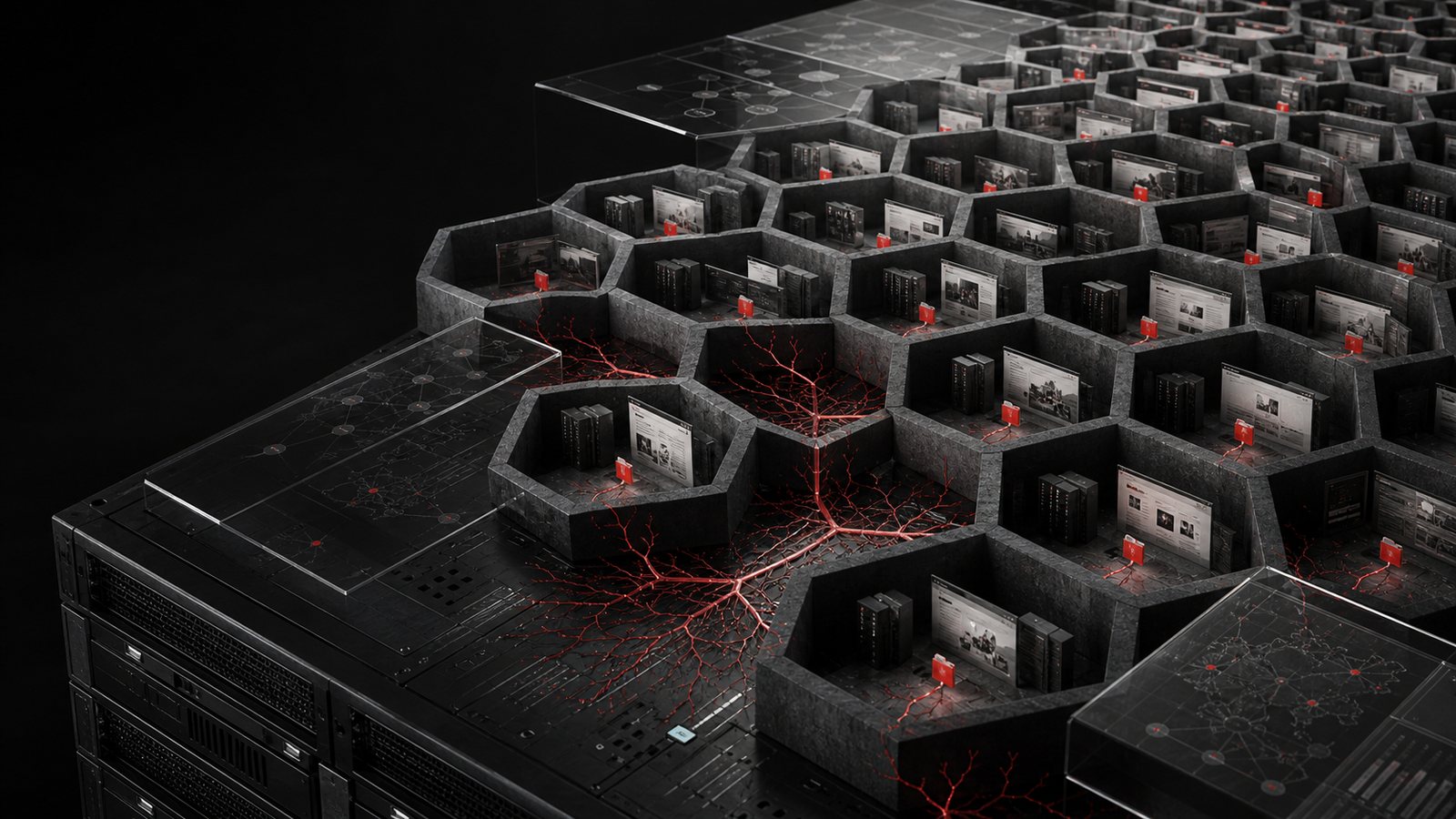
One response could have been a forgotten test file. The second changed the hypothesis. By the time the same gated endpoint had appeared across dozens of unrelated domains resolving to one shared IPv4 address, the problem was no longer “a WordPress site was hacked.” It looked like a repeatable deployment pattern.
This article documents a real defensive investigation performed on July 20, 2026. I will not identify third-party domains, publish the shell password, or describe how to operate the implant. The useful part is the hunting method: how to turn one suspicious PHP file into host signatures, log pivots, WordPress checks, and a recovery plan that does not destroy the evidence first.
What the 47 responses prove — and what they do not
I collected candidate domains from passive DNS sources, normalized them to 145 apex domains, and resolved each name again. Of those, 118 still pointed directly to the same shared IPv4 address. A passive, parameter-free GET to the suspicious path returned the same HTTP 200 JSON gate on 47 domains.
- High confidence: the same path and distinctive unauthenticated response were exposed by 47 virtual hosts on one address.
- Strong operational inference: this is consistent with a mass-deployment event or a common mechanism affecting multiple hosting tenants.
- Not established: the initial access vector, the actor, when every copy was created, or whether the attacker obtained server-level privileges.
- Not established: that every domain on the IP was compromised. Shared IP membership is only a scoping lead.
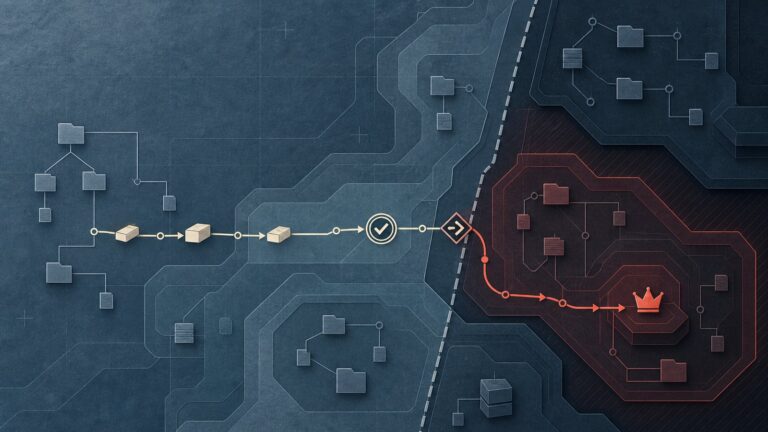
That distinction matters. A shared IP does not mean a shared filesystem, and a matching filename does not prove a matching file. Conversely, tenant isolation does not rule out mass exploitation: one vulnerable control panel, stolen reseller credential, exposed deployment service, common plugin vulnerability, or compromised hosting process can reach many accounts without full root compromise.
The right conclusion is narrower: there is enough correlated evidence to treat this as a multi-site incident and demand host-level telemetry. It is not enough to attribute the intrusion.
The implant was built for survival, not elegance
The recovered file was a 47,686-byte PHP web shell. Its SHA-256 was 464a1ae6526b1ead4b9a736b3c92425419a9e6d9378610c07cbcfa3843d51bb3. An exact hash is valuable for finding byte-identical copies, but the internal structure tells us how to hunt variants.
The script accepted PUT and PATCH bodies as a fallback when normal form POST data was absent. It exposed a password gate before the main functionality. Behind that gate, it implemented multiple command-execution paths: direct PHP functions, FFI, a CGI route, ImageMagick-related execution, dynamic-loader techniques, and PHP-FPM abuse. It even tested execution with the marker AG_EXEC_OK.
That design reveals the operator’s assumption: some shared hosts disable obvious functions such as system, but inconsistently leave alternative primitives available. The implant does not bet on one route. It enumerates a ladder of options and moves to the next when a method fails.
This is also why scanning only for eval(base64_decode(...)) is weak. The sample was readable PHP with long lines, multilingual comments, explicit function names, and several execution backends. Obfuscation was not its primary defense; blending into a noisy webroot and surviving partial hardening were.
Build a signature ladder, not one brittle IOC
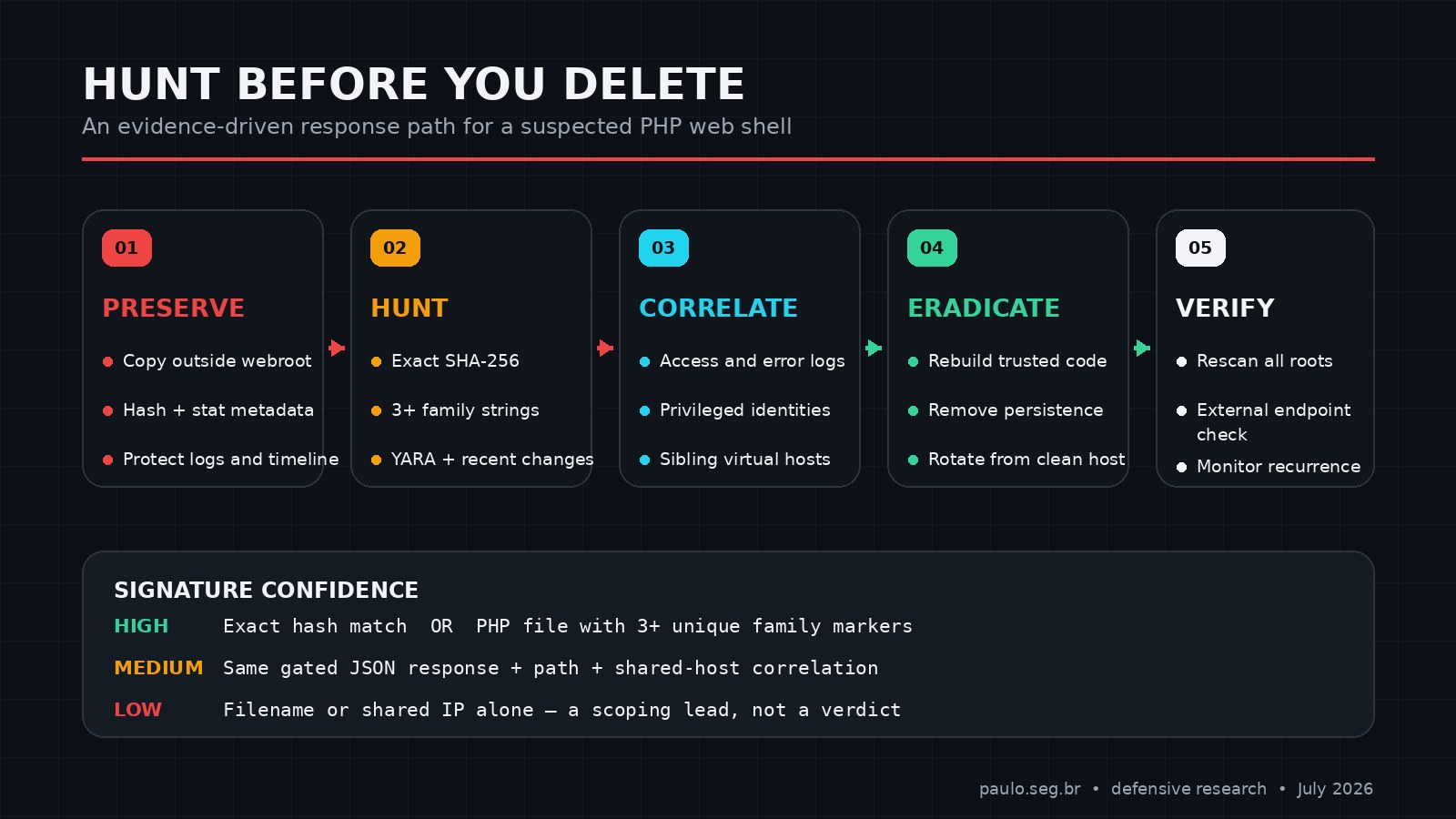
Indicators decay at different speeds. Use them as a ladder, from exact and fragile to behavioral and durable.
Tier 1: exact file hash
The SHA-256 above identifies the recovered sample with effectively no ambiguity. It misses any change — even one byte — so it should never be the only detection.
find /var/www /home -xdev -type f -name '*.php' -print0 2>/dev/null |
  xargs -0 sha256sum 2>/dev/null |
  grep '^464a1ae6526b1ead4b9a736b3c92425419a9e6d9378610c07cbcfa3843d51bb3 '
On shared hosting, replace the roots with directories your account is authorized to read, typically $HOME/public_html and addon-domain document roots. Do not scan other tenants without provider authorization.
Tier 2: a cluster of distinctive strings
One string can collide with legitimate code. A cluster is stronger. The following markers were present in the recovered file and do not disclose its password:
AG_EXEC_OKfunction run_fpm_sm($cmd)/tmp/.ag_ffi_function run_cgi($cmd)Yetkisizin the JSON gate- the Turkish comment
Kimlik doğrulama
rg -l --hidden \
  -g '*.php' -g '*.phtml' -g '*.inc' -g '*.txt' \
  'AG_EXEC_OK|run_fpm_sm|/tmp/\.ag_ffi_|run_cgi|Yetkisiz|Kimlik doğrulama' \
  "$HOME/public_html" 2>/dev/null
If Ripgrep is unavailable, use GNU grep without following symlinks into unknown locations:
find "$HOME/public_html" -xdev -type f \
  \( -name '*.php' -o -name '*.phtml' -o -name '*.inc' -o -name '*.txt' \) \
  -size -2M -print0 2>/dev/null |
  xargs -0 grep -IlE \
  'AG_EXEC_OK|run_fpm_sm|/tmp/\.ag_ffi_|run_cgi|Yetkisiz|Kimlik doğrulama' \
  2>/dev/null
Review every hit manually. A filename match is a lead; three or more of these markers in a small PHP file is a high-confidence family match.
Tier 3: YARA for repeatable host scanning
This rule requires a PHP opening tag and at least three family markers. That reduces false positives while tolerating small edits:
rule PHP_AgentRenew_WebShell_202607
{
  meta:
    description = "Detects the agent_renew PHP web shell family"
    author = "paulo.seg.br"
    date = "2026-07-20"
    sha256 = "464a1ae6526b1ead4b9a736b3c92425419a9e6d9378610c07cbcfa3843d51bb3"

  strings:
    $gate = "Yetkisiz" ascii
    $exec = "AG_EXEC_OK" ascii
    $ffi  = "/tmp/.ag_ffi_" ascii
    $fpm  = "function run_fpm_sm($cmd)" ascii
    $cgi  = "function run_cgi($cmd)" ascii
    $auth = "Kimlik doğrulama" ascii

  condition:
    uint16(0) == 0x3f3c and filesize < 200KB and 3 of them
}
yara -r agent_renew_webshell.yar "$HOME/public_html"YARA is a component, not a verdict. The CISA web-shell elimination guidance explicitly recommends combining host signatures, file comparison, web logs, network artifacts, and unexpected flows. Signature-only detection is easy to evade.
Tier 4: the endpoint and gate response
The path /agent_renew.php is useful for scoping, but low confidence by itself. The combination of path, HTTP 200, JSON content type, and the Yetkisiz response is much stronger. Test only systems you own or are authorized to assess. Use a plain GET with no query string, cookies, request body, password, or command fields. Never attempt to authenticate to a suspected shell during an Internet-wide check.
Hunt the execution trail, not just the file
Deleting the visible script first destroys timestamps and encourages tunnel vision. Copy it outside the webroot, record metadata, hash it, and preserve relevant logs before containment changes overwrite evidence.
install -d -m 0700 "$HOME/ir-evidence"
cp -a -- "$HOME/public_html/agent_renew.php" "$HOME/ir-evidence/"
stat --printf='%n|size=%s|mode=%a|uid=%u|gid=%g|mtime=%y|ctime=%z\n' \
  "$HOME/ir-evidence/agent_renew.php"
sha256sum "$HOME/ir-evidence/agent_renew.php" |
  tee "$HOME/ir-evidence/SHA256SUMS"
Then pivot into HTTP logs. On Debian-style Apache installations, logs often live under /var/log/apache2. cPanel servers commonly maintain per-domain logs under /usr/local/apache/domlogs, while account owners may have a ~/access-logs link. Paths vary, so confirm with the provider.
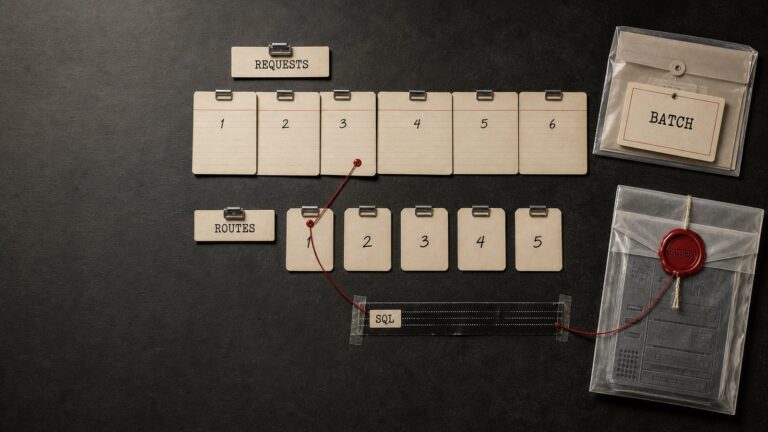
grep -hE '(^|[[:space:]])[^ ]*agent_renew\.php([?[:space:]]|$)' \
  /var/log/apache2/*access* \
  /usr/local/apache/domlogs/* \
  "$HOME"/access-logs/* 2>/dev/null |
  sort
Look for the first request, source IPs, methods beyond GET, unusual body sizes, user-agent stability, missing referrers, and bursts across multiple virtual hosts. A web shell operator often visits one URI directly rather than navigating like a normal user. This frequency pattern is also highlighted in NSA and Australian Signals Directorate web-shell guidance.
Search the same time window for adjacent changes: new PHP files, modified .htaccess, .user.ini, PHP in upload directories, cron entries, unfamiliar SSH keys, new cPanel sessions, FTP uploads, and mail or database activity. The shell is an access channel; it may not be the attacker’s only persistence.
WordPress triage: integrity, identity, and persistence
WordPress checksums are fast triage, not a complete compromise assessment. Core verification can expose modified and unexpected core files. Plugin verification works only for packages with WordPress.org checksums; commercial, custom, removed, or locally modified plugins need a trusted-package comparison.
wp core verify-checksums --include-root
wp plugin verify-checksums --all --strict
wp theme list --fields=name,status,version,update
wp plugin list --fields=name,status,version,update,auto_update
The relevant command references are the official WP-CLI core checksum and plugin checksum documentation. Do not interpret a clean core result as a clean site: web shells usually live outside checksummed core paths.
Audit identity next. In the investigated site, an unexpected administrator account was a separate persistence signal. List administrators, registration times, application passwords, and active sessions. Compare every privileged identity to an approved inventory.
wp user list --role=administrator \
  --fields=ID,user_login,user_email,user_registered,roles --format=table

wp cron event list --fields=hook,next_run,recurrence --format=table
wp option get active_plugins --format=json
Also inspect wp-content/mu-plugins, drop-ins such as advanced-cache.php, active theme functions.php, writable upload paths, and database content for injected JavaScript or rogue option values. Check salts and session invalidation only after evidence capture. The WordPress hardening handbook is useful for permissions, disabling dashboard editing, SFTP, backups, and monitoring, but hardening is not eradication.
Reconstruct the likely attack chains without overclaiming
There are at least four plausible chains, and the response team should test each against evidence:
- One vulnerable application, then local expansion. The actor compromises a plugin, theme, or credential on one site and uses filesystem permissions or hosting misconfiguration to reach sibling document roots.
- Mass exploitation of the same application flaw. Many tenants independently run a vulnerable component, and automation drops the same file into each webroot.
- Control-panel or deployment-plane compromise. A cPanel, reseller, backup, migration, malware-scanner, or file-management credential/process writes across accounts.
- Provider-level process abuse. A service with broad filesystem access is exploited or misused. This is the highest-impact hypothesis and requires provider telemetry; public HTTP evidence alone cannot prove it.
The 47-host correlation raises the priority of chains two through four, but does not choose among them. Ask for creation-source evidence: file ownership, inode and timestamps, process accounting, audit logs, cPanel and FTP sessions, malware-scanner actions, backup restores, and whether identical hashes appeared under different Unix UIDs.
Passive infrastructure mapping can help define the exposure set, but it must be separated from compromise confirmation. The same discipline applies when using Shodan for offensive-security reconnaissance or conducting defensive corporate OSINT: discovery produces candidates; validation produces findings.
Containment and recovery: what I would improve
The first instinct is often “delete the file, change the WordPress password, install a security plugin.” That may remove the visible symptom while leaving the entry point, another shell, an administrator account, stolen hosting credentials, or a hostile scheduled task intact.
A stronger sequence is:
- Preserve. Copy artifacts and relevant logs outside the webroot. Record hashes, ownership, permissions, timestamps, WordPress users, active plugins, cron, and hosting-session data.
- Contain. Restrict public access to the shell immediately after preservation. If scope is uncertain, place the site in maintenance mode or move traffic to a known-clean environment. Do not execute the implant to test it.
- Hunt horizontally. Scan every authorized document root, upload directory, addon domain, staging copy, and backup snapshot with the hash, string cluster, YARA rule, and recent-change windows.
- Rebuild trusted code. Replace WordPress core, plugins, and themes from verified vendor packages. Do not copy unknown PHP from the compromised tree into the clean environment. Preserve only reviewed media and necessary configuration.
- Remove persistence. Delete unauthorized administrators, application passwords, scheduled tasks, MU plugins, drop-ins, SSH keys, nested rewrite rules, and PHP execution paths that are not part of the approved baseline.
- Rotate from a clean workstation. Change hosting-panel, SFTP/FTP, SSH, WordPress, database, email, API, CDN, and backup credentials. Regenerate WordPress salts to invalidate sessions. Rotation before endpoint cleanup can leak the new secrets again.
- Fix the initial access path. Patch or remove the vulnerable component; correct ownership and tenant isolation; disable unused services; use SFTP instead of FTP; and prevent PHP execution in upload-only directories where the application permits it.
- Rescan and monitor. Establish a known-good file manifest, alert on new executable files and privileged users, monitor the suspicious URI, and verify from an external vantage point that the endpoint no longer responds.
If the provider cannot explain cross-account propagation or produce trustworthy host telemetry, moving to a new hosting account or provider is not an overreaction. Restoring the same backup into the same uncertain control plane recreates confidence, not security.
When a web shell appears during a broader exploitation campaign, the workflow should resemble the hunt described in SharePoint exploitation: patch, hunt, and harden: patching stops one door; hunting tells you whether someone already walked through it.
Questions the hosting provider should answer
- Which Unix user, process, control-panel action, or transfer session created each copy?
- Were byte-identical files found under multiple account UIDs?
- Did creation times cluster tightly enough to indicate automation?
- Were cPanel, WHM, reseller, FTP, SFTP, SSH, backup, or file-manager sessions anomalous?
- Can one tenant write into another tenant’s document root under the current ownership and PHP handler model?
- Did a security scanner, backup restore, or migration task unintentionally distribute the file?
- Which host-level credentials and service tokens were rotated?
- What evidence confirms that no sibling persistence, unauthorized users, cron jobs, or additional shells remain?
“We removed the malware” is not an incident report. A useful provider response ties eradication to an evidence-backed root-cause hypothesis and documents the blast radius.
Strategic takeaways
The most valuable indicator was not the filename. It was the conjunction: same path, same gate response, same server address, and a recovered file containing several unusual execution markers. Each signal alone was weak or brittle. Together they changed the incident from a single-site cleanup into a shared-infrastructure investigation.
For defenders, preserve before deleting, hunt by families rather than one hash, and treat identity changes as seriously as filesystem changes. For hosting providers, tenant isolation must be demonstrable in logs and permissions, not assumed from product terminology. For incident responders, the discipline is simple: state exactly what the evidence proves, identify what remains unknown, and make the next collection step reduce that uncertainty.
A 32-byte hash can find one file. A well-constructed investigation finds the mechanism that put it there.
💜 Enjoyed this content? Support the blog with USDT (TRC20):
TX7obcjHQbDUXb4mGqoASEu1QFTKT2CFGG