7 Rules for Creating Strong Passwords (+ Generator)
Weak passwords remain among the leading causes of security incidents. In corporate and personal environments, a predictable password can open the door to data leaks, lateral movement across networks, and the compromise of critical accounts.
Why creating strong passwords is essential
A strong password drastically reduces the risk of brute-force attacks, credential stuffing, and guessing based on common patterns. In practice, the pillars of a good password are:
- Length: prefer 14+ characters.
- Complexity: combine uppercase letters, lowercase letters, numbers, and symbols.
- Uniqueness: never reuse the same password across different services.
- Randomness: avoid dictionary words, dates, and predictable patterns.
Cryptography and password protection
In modern systems, passwords should not be stored in plain text, but instead protected with salted hash functions and computational cost factors (such as Argon2, bcrypt, or scrypt). This increases the difficulty of recovering the original password, even in the event of a database leak.
In addition, secure transport protocols (TLS) and good credential management practices are essential to protect the password during creation, transmission, and authentication.
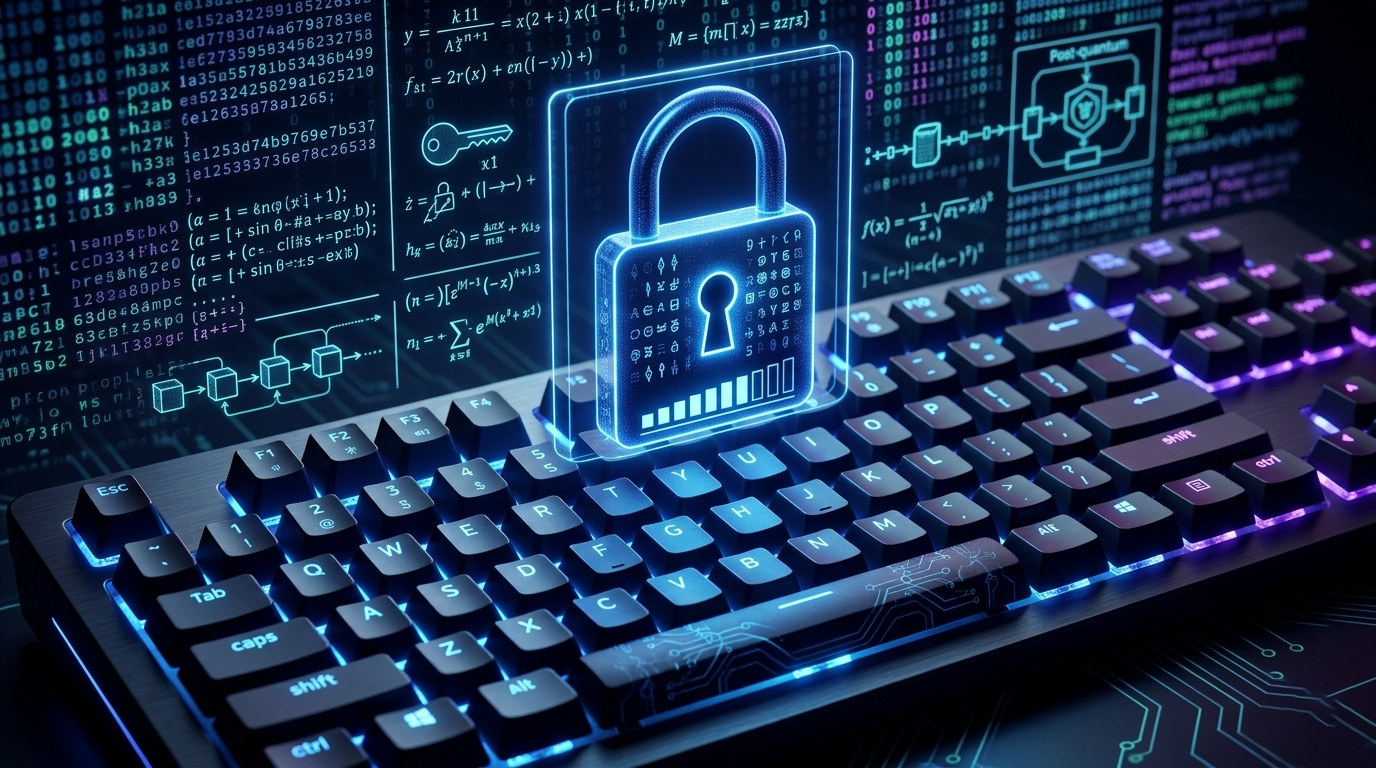
What about post-quantum cryptography?
Quantum computing is expected to impact primarily classical asymmetric algorithms. Although this does not directly break every user password, the scenario reinforces the need to raise entropy levels and adopt resilient security architectures.
In the context of credentials, the practical path today is to generate long, random passwords, use MFA, and follow the gradual migration to post-quantum standards in infrastructure and protocols.
Simple tool: Password Generator
Use the generator below to create custom passwords. You can select character types and enable post-quantum mode, which increases the minimum length and enforces higher entropy.
Secure Password Generator
Additional best practices for protecting credentials
- Use MFA on all critical accounts.
- Prefer a password manager to store credentials securely.
- Rotate passwords whenever there is suspicion of a leak.
- Monitor login attempts and enable anomaly alerts.
Related reading
- How to enable MFA in Kali Linux SSH
- HTTP Security Headers: practical guide
- How to protect apps against Prompt Injection
External references
- NIST SP 800-63B (Digital Identity Guidelines)
- ENISA: Password Policy Recommendations
- NIST Post-Quantum Cryptography Project
Quick FAQ about strong passwords
What is the recommended minimum length?
For standard accounts, 14 characters already provides good protection. For sensitive accounts (admin, primary email, VPN, and cloud), prefer 20+ characters with high randomness.
Can I reuse the same password across multiple services?
No. Reuse increases the impact of any leak. A password exposed in one service can open the path to account takeover in other systems.
Is a password manager really worth it?
Yes. It allows you to create long, unique, and random passwords for each site without relying on memory. Combine it with MFA to raise your level of protection.
What changes in the post-quantum era?
The greatest immediate impact is on classical asymmetric cryptography. For credentials, it still remains essential to strengthen passwords, use MFA, monitor access, and follow the migration to post-quantum standards.
💜 Enjoyed this content? Support the blog with USDT (TRC20):
TX7obcjHQbDUXb4mGqoASEu1QFTKT2CFGG